Dynamic backdrops for Jellyfin
I wrote some custom CSS to bestow Jellyfin's web client with a blurred backdrop on detail pages. The code is mildly cursed, but I'm quite fond of how the result looks. You can use it too if you want!
Screenshots
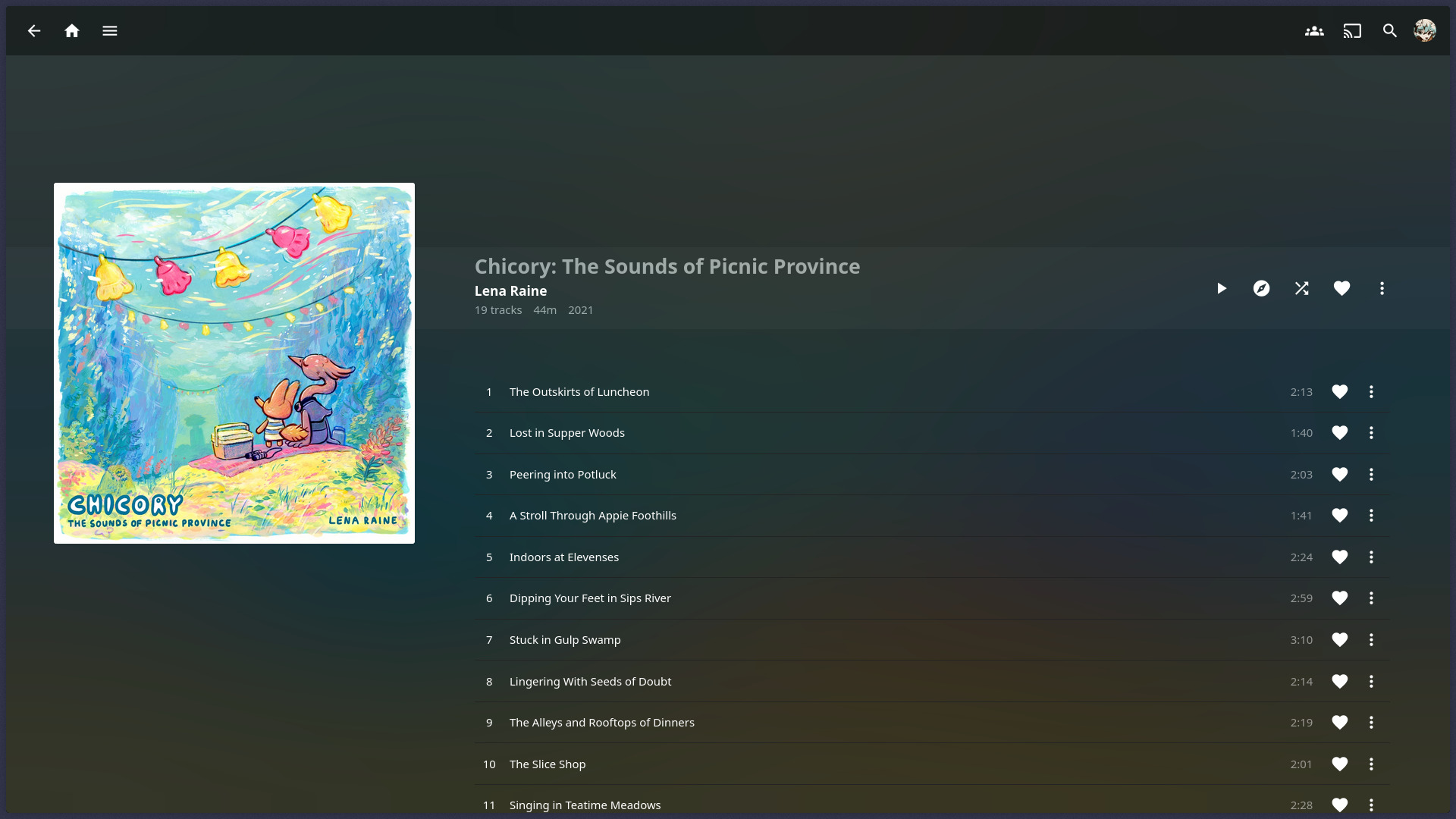
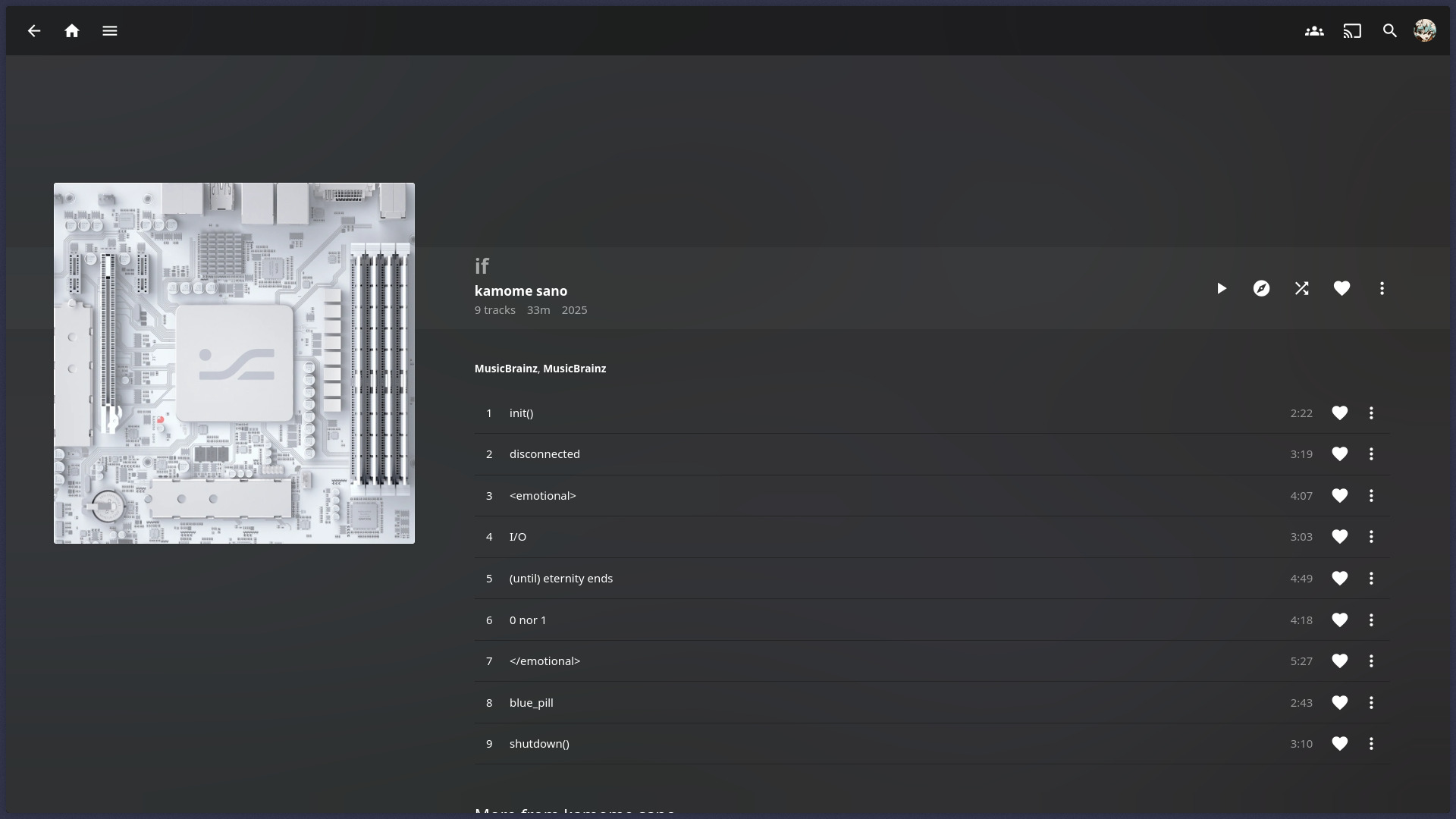
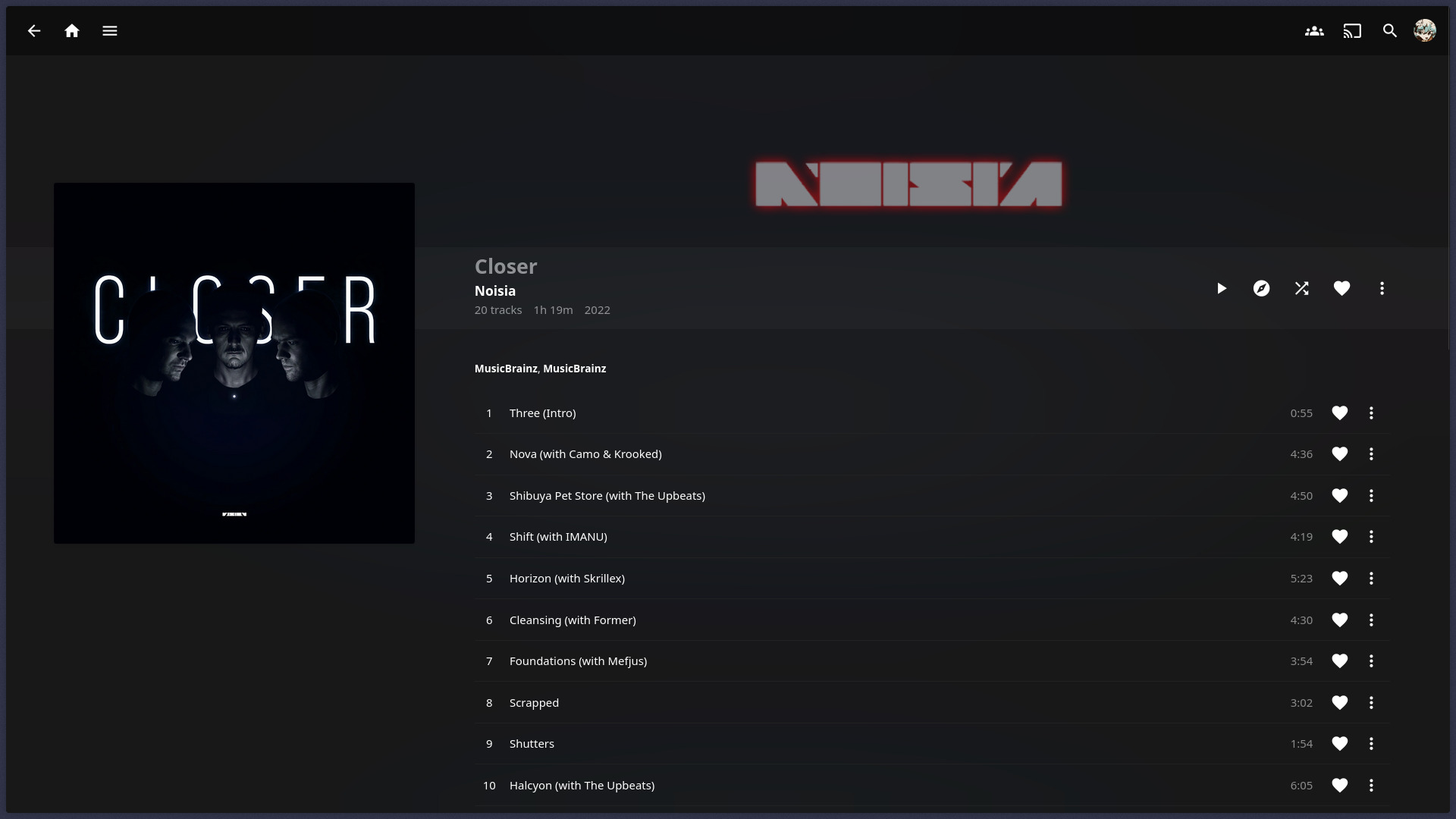
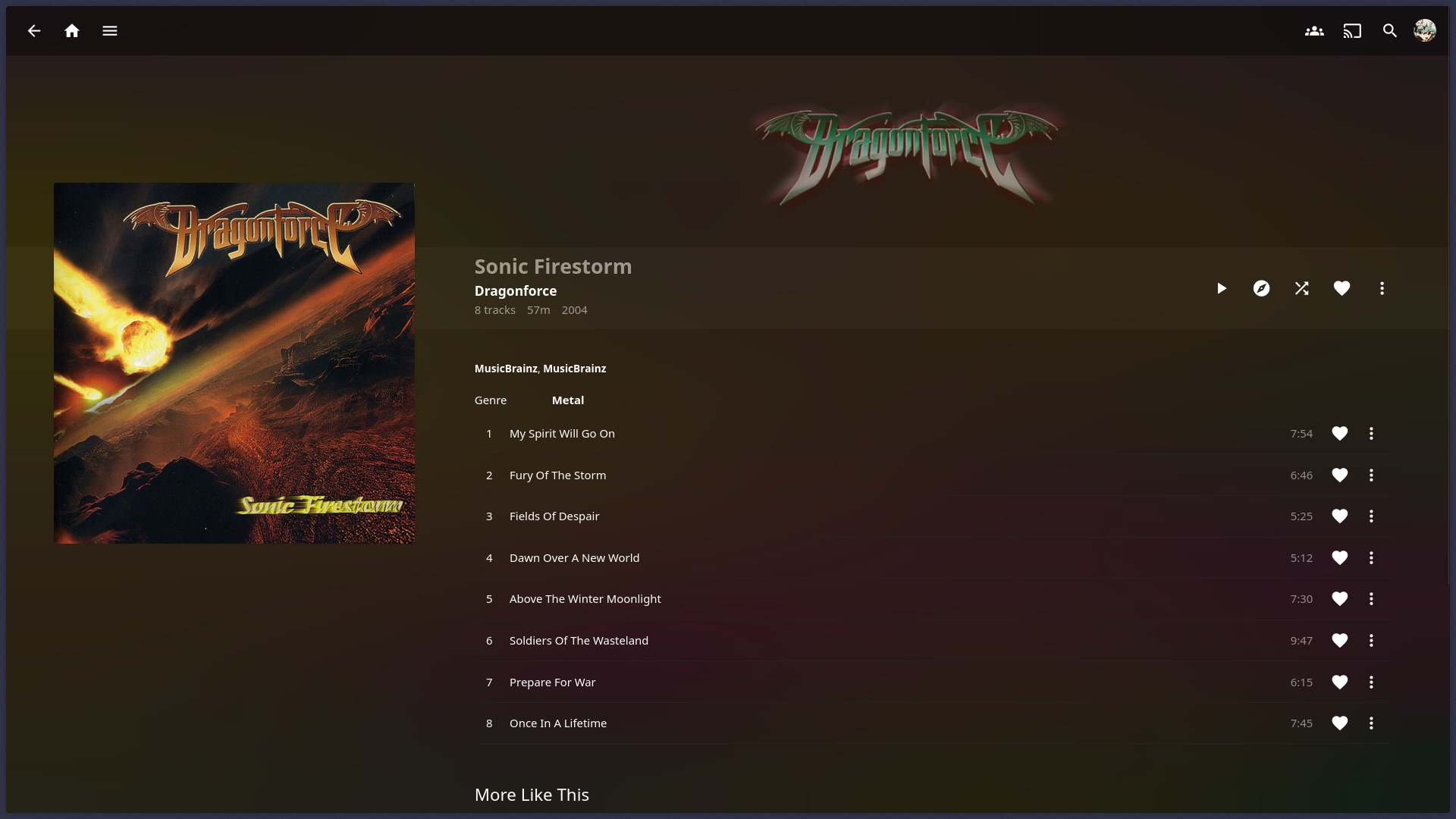
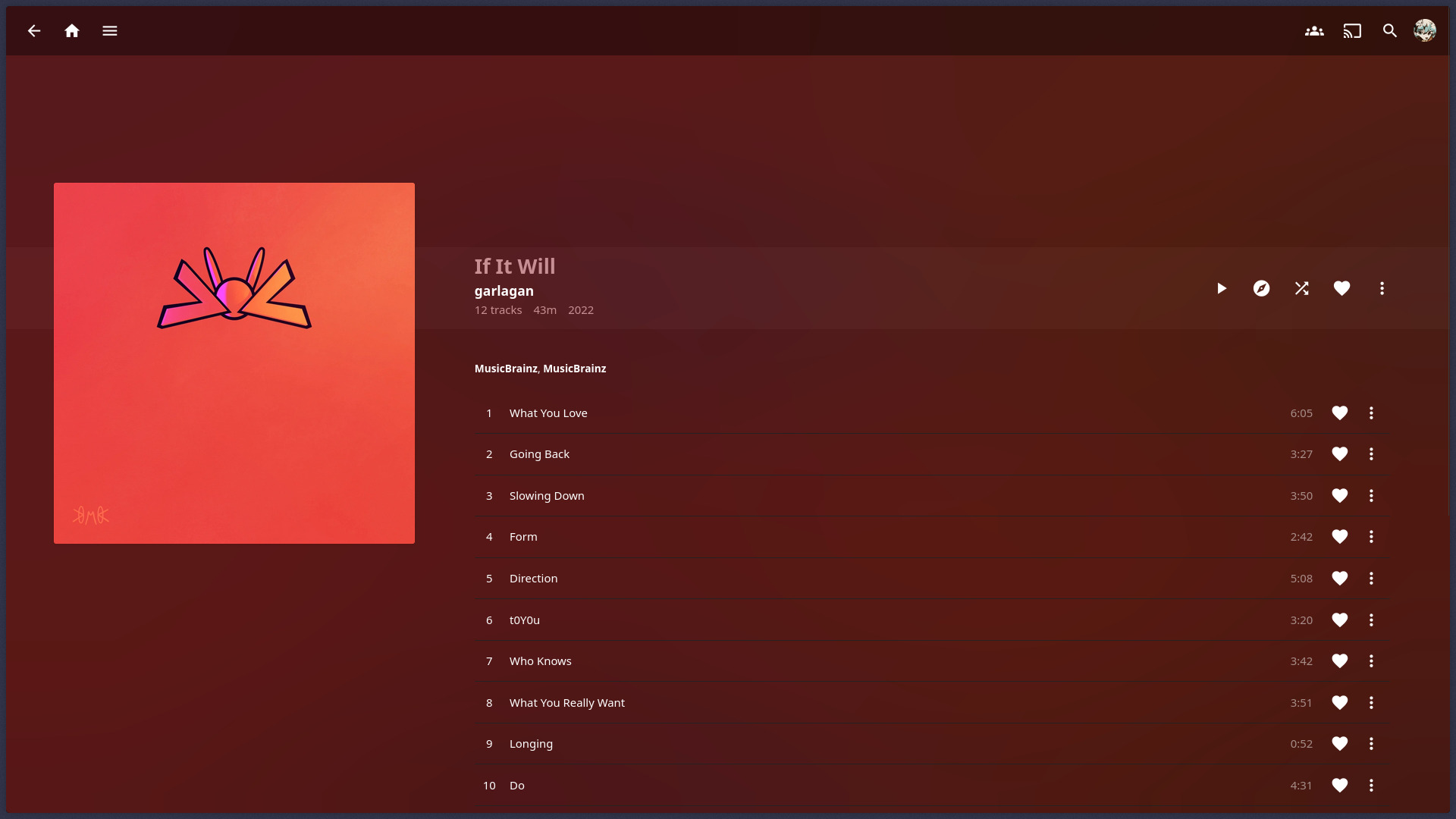
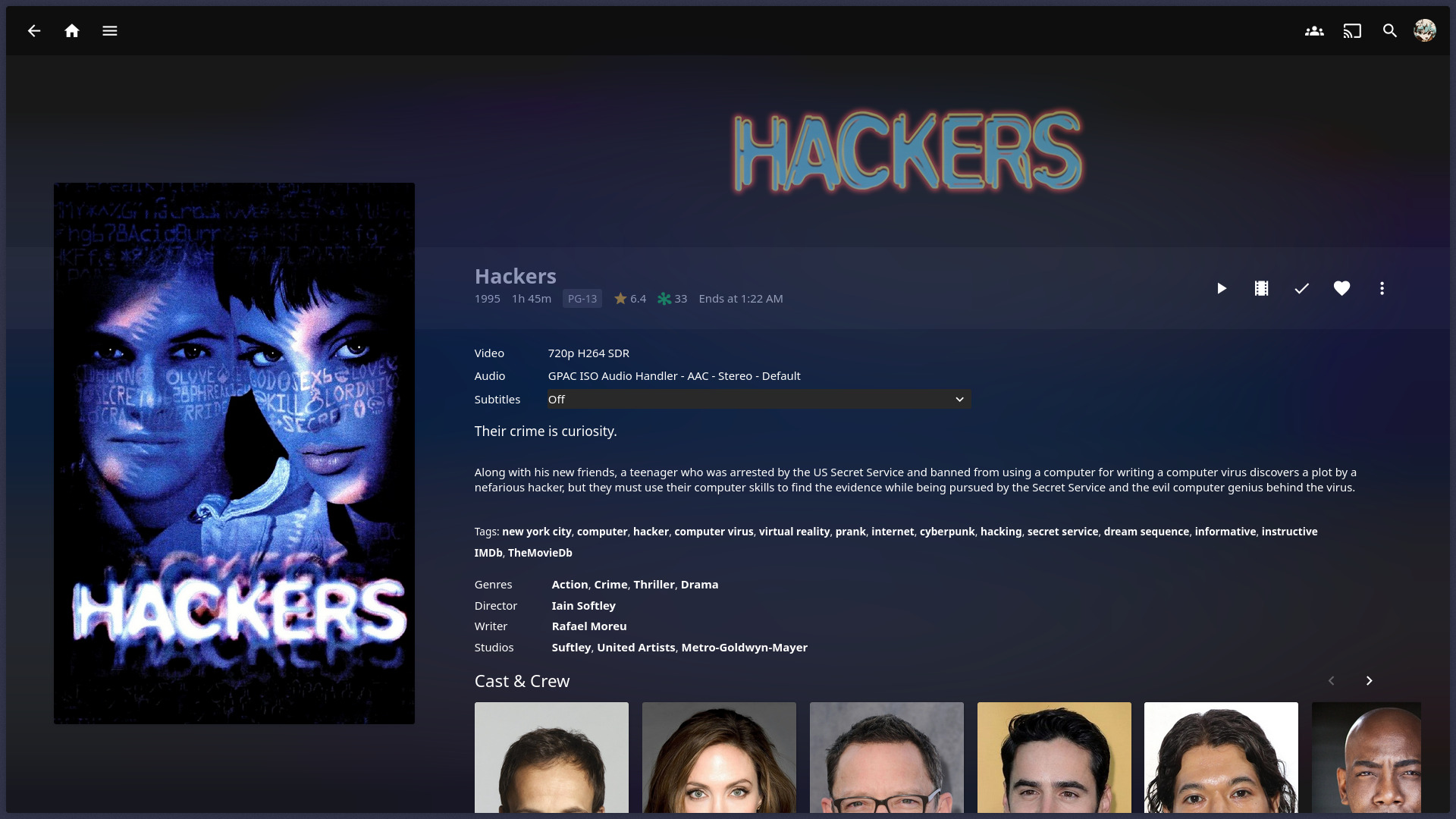
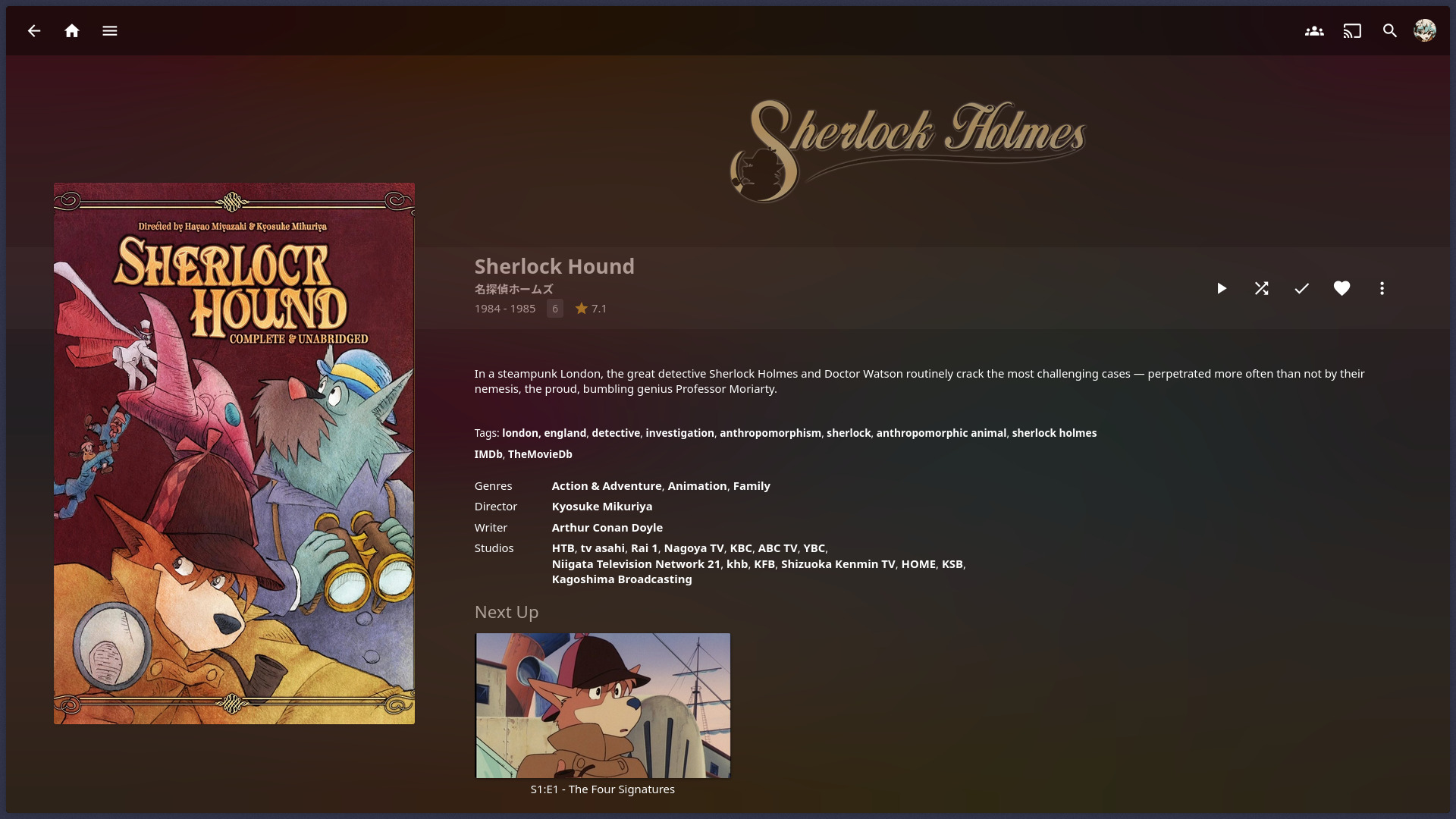
I'm pleased with the balance of legibility and saturation that I struck with my CSS filters. Nearly-white images don't wash out the page, yet highly-saturated artwork retains its full color in the backdrop. The filters are at the very bottom of the CSS block below, if you want to tweak them yourself.
¹ If you have a monitor that can display more than 8 bits of color, you'll likely find that Chromium-based browsers render the backdrop with less color banding than Firefox-based ones.
How to use
On the User → Display configuration screen, paste this into the "Custom CSS code" field:
.detailPagePrimaryContainer .detailImageContainer .card,
.detailPagePrimaryContainer .detailImageContainer .cardBox,
.detailPagePrimaryContainer .detailImageContainer .cardScalable {
  contain: style !important;
}
.detailPagePrimaryContainer,
.detailImageContainer .card {
  z-index: auto !important;
}
.layout-mobile .detailImageContainer .card {
  filter: none !important;
  -webkit-filter: none !important;
}
.backgroundContainer {
  z-index: -2 !important;
}
.detailPagePrimaryContainer + .detailPageSecondaryContainer {
  background: none !important;
}
.detailPagePrimaryContainer .detailImageContainer .blurhash-canvas {
  position: fixed !important;
  opacity: .5 !important;
  border-radius: 0 !important;
  filter: contrast(50%) brightness(50%) saturate(300%);
}
You'll also want to assign these settings:
- Theme: Dark (Light or Apple TV work too)
- Enable blurred placeholders for images: On
- Details Banner: Off
why these settings?
I tuned the CSS filter for the Dark theme, but the Light and Apple TV themes happen to look decent too. The other themes technically work, but they all set their own backdrop and it tends to clash with the custom backdrop.
This hack repurposes the blurred placeholder image that appears until the primary image (e.g. album art) loads. How nice of Jellyfin to do the heavy lifting of blurring the image for us!
When the details banner is enabled, my z-index hacks cause it to bleed below the info banner, again clashing with the custom backdrop. There might be a way to fix this, but I prefer this feature off anyway.
what about the Now Playing page?
Unfortunately, not every page has a blurred backdrop accessible in the DOM. You could get partway there by repurposing the album art image, but I'm not interested in sacrificing the album art for the blurred backdrop.
Technical details
The blurred placeholder is normally set to opacity: 0 after the image loads,
but it remains in the DOM indefinitely.
The custom CSS block is concerned with three things:
- Breaking the placeholder out of its square box
- Various parent elements use the CSS
containattribute to optimize performance by narrowing where on the page child elements can draw. The values on thesecontainattributes vary by element, but they all includepaint; forcibly setting them tocontain: styleexcludespaintand allows the placeholder to be drawn elsewhere. - This might noticeably lower the performance of the page, depending on your computer & browser. There's no way to avoid this without introducing custom JavaScript or modifying Jellyfin itself.
- Various parent elements use the CSS
- Putting the placeholder behind everything else
- Some of the placeholder's ancestors set their own
z-index, which creates a stacking context that constrains the effective range of child elements' z-index values. Forcibly assigningz-index: autoto these ancestor elements gets rid of their stacking contexts. - ...But then the page background (a non-ancestor element)
gets drawn above the placeholder,
so its
z-indexis lowered to -2.
- Some of the placeholder's ancestors set their own
- Making the placeholder function as a backdrop
- Because the placeholder is so heavily blurred already, it doesn't need any additional blurring on the CSS side. Thus, we are only concerned with massaging the colors to fit in with the page.
- Setting
opacityto 50% isn't strictly necessary (you could achieve a similar effect in the existingfilterproperty), but conceding half of the color to the default background gives it some cross-theme support. Otherwise, the custom backdrop would be way too dark in the Light and Apple TV themes. - The
contrastandbrightnessfilters are intended to limit the overall brightness range, but they have the side effect of clamping the colors' vibrancy, too. Amplifying thesaturationcompensates for this.
This custom CSS is provided as-is for anyone who wants to use it. Because I know nothing about your Jellyfin setup (and, frankly, not much about Jellyfin in general), I can't offer technical support. But, if you're feeling chatty, let me know if you end up using it, and tell me what you changed!